
Civil Marriage Online Application UAE: Step-by-Step Guide


Starting the civil marriage process as an expat couple in the United Arab Emirates can feel like untangling a web of rules and paperwork. Missing a single document or detail often leads to frustrating delays that disrupt your plans. With the UAE now requiring original or certified copies—plus official translations when necessary—each step is vital for a smooth application. This guide explains how to organize essential legal documents and use your UAE Pass digital identity so you can confidently set your marriage in motion.
Table of Contents
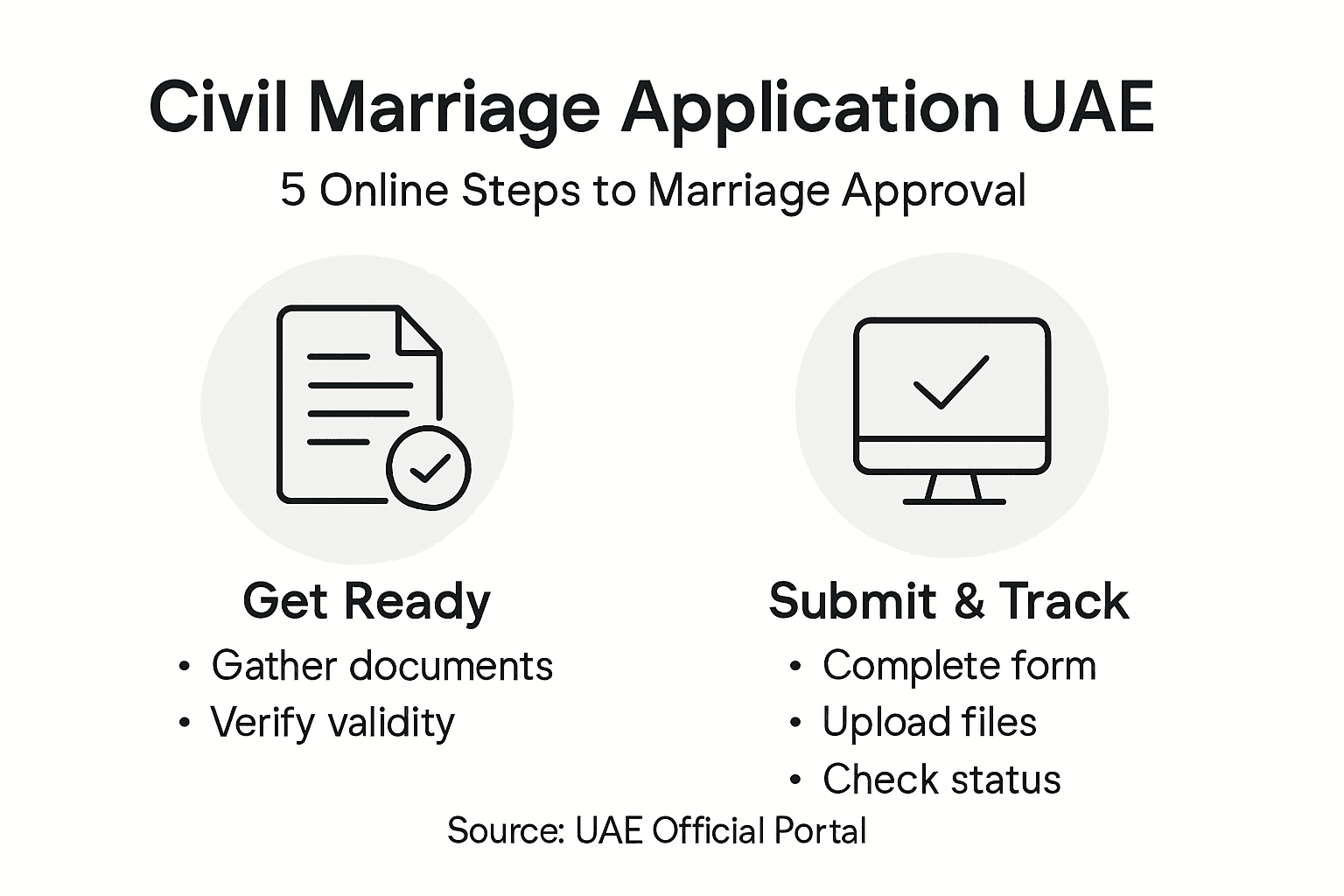
Quick Summary of Civil Marriage Online Application UAE
Key Insight | Explanation |
1. Gather Required Documents | Collect all necessary documents to prevent delays in your marriage application. Verify they are valid and officially certified. |
2. Create an Online Account | Set up your UAE Pass account for submitting documents and tracking your application status securely. |
3. Complete Application Form Accurately | Fill out the marriage application form with precise information to avoid errors that can delay processing. |
4. Upload Supporting Documents | Ensure all required documents are uploaded correctly before payment to avoid issues with your application. |
5. Check Application Status Regularly | Monitor your application status to respond promptly to any requests for additional information or updates. |
Step 1: Gather Required Personal and Legal Documents
Before you submit your civil marriage application online, you need to collect and organize several key documents. This step sets the foundation for your entire application. Getting it right the first time saves you from frustrating delays or rejection notices. Think of this as building your case for the government to approve your marriage—the stronger your documentation, the smoother your process will be.
Start with your passport and Emirates ID, as these form your primary identification. Your certificate of singleness proves you are legally free to marry, and your birth certificate confirms your identity and age. These documents must be original or officially certified copies. If any document is not in Arabic or English, you will need an officially translated version. Many expats overlook this requirement and end up scrambling for translations at the last minute. The UAE government will not process documents in other languages, so plan ahead if you hold documents from your country of origin in a different language. You may also need a medical fitness certificate depending on your specific emirate and circumstances. Some emirates request this more frequently than others, so check with your specific jurisdiction to avoid surprises. Beyond these basics, gather your passport-sized photographs (usually two to four copies) and any divorce decrees or death certificates if either party has been previously married. The 7-step checklist for UAE marriage documents provides a comprehensive reference that breaks down exactly what each emirate requires.
Once you have compiled all documents, verify that they are current and valid. Expired identification documents will cause immediate rejection. Some certificates like certificates of singleness have validity periods, typically ranging from three to six months depending on the issuing country, so timing matters. Organize everything in a folder with clear labels so you can quickly reference what you have and what still needs attention. This preparation phase typically takes one to three weeks, depending on how quickly you can obtain translations and certifications.
Here is a summary of document requirements and their purposes:
Document Type | Purpose | Important Notes |
Passport | Proof of identity and travel eligibility | Must be valid and unexpired |
Emirates ID | Confirms UAE residency status | Required for digital verification |
Certificate of Singleness | Verifies legal freedom to marry | Validity: 3-6 months typically |
Birth Certificate | Confirms identity and age | Certified translation if needed |
Passport-Sized Photographs | Used for application visuals | Usually 2-4 copies required |
Divorce/Death Certificates | Documents previous marital status | Needed if previously married |
Medical Fitness Certificate | Required in some emirates | Check with local jurisdiction |
Professional tip Keep digital scans of every document on your phone and email before submitting originals, so you have backup copies if anything gets lost during the application process.
Step 2: Create Your Online Government Account
Now that your documents are organized, you need to set up your digital gateway to the UAE marriage system. Creating your online government account is where your application officially begins. This account will serve as your secure portal for submitting documents, scheduling appointments, and tracking your application status from start to finish.
Your account is created through the UAE Pass digital identity platform, which acts as your secure digital ID and electronic signature solution for all government services. Think of UAE Pass as your key to the entire process. Start by visiting the official UAE government portal and selecting the option to create a new account. You will need to verify your identity using your Emirates ID or passport. The verification process typically takes just a few minutes and involves confirming personal information such as your name, date of birth, and contact details. Once your identity is verified, the system will link your essential personal information to your account. This secure connection allows you to apply for your marriage contract online without needing to visit a physical court or government office. The platform also enables you to schedule virtual appointments with marriage officers and integrate electronic payment of fees directly through your account, making the entire process seamless from your home or office.
After your account is created and activated, log in to confirm everything is working properly. Test your login credentials and explore the dashboard so you understand where you will submit documents and track progress. You should receive a confirmation email with your account details and a reference number. Keep this information somewhere safe. The next phase involves uploading your documents and completing your application form, so having a functional account ready speeds up that critical step.
Professional tip Set up two-factor authentication on your UAE Pass account immediately after creation to protect your sensitive personal and legal documents from unauthorized access.
Step 3: Complete and Submit Application Form
With your account active and documents ready, you are now prepared to fill out the official marriage application form. This is where you translate all your preparation into the formal request that starts your legal marriage process. Take your time completing this form accurately, as errors or omissions can lead to rejection or delays.
Log into your UAE Pass account and navigate to the civil marriage application section. You will see a form with multiple fields asking for personal information about both partners. Start with the basic details: full names as they appear on your passports, dates of birth, nationalities, and current addresses. The system will likely populate some information automatically from your verified identity data, which saves time and reduces errors. As you move through the form, you will encounter sections asking about your marital history. If either party has been previously married, provide details about the divorce decree or death certificate as applicable. Be precise with dates and spelling, especially for names, as these details must match your submitted documents exactly. Any discrepancies between your form and your documents will trigger a request for clarification or correction, potentially delaying your application by weeks. Work through the entire form section by section rather than jumping around, and read each question carefully before answering. Some fields may seem redundant, but they serve verification purposes. Once you reach the document upload section, attach the scanned copies of your passport, Emirates ID, certificate of singleness, birth certificate, and any other required documents. Make sure your scans are clear and legible, as the government office will review these digital copies to verify authenticity.
Before hitting the submit button, review everything one final time. Check that both partners’ information is correct, all required fields are completed, and all documents are uploaded. The system typically sends you a confirmation email immediately after submission with your application reference number. Save this number somewhere accessible because you will need it to track your application status and schedule your virtual appointment with the marriage officer.
Professional tip Fill out the form in a quiet environment without distractions, and have both partners review their respective sections before submission to catch any mistakes that could slow down your process.
Step 4: Upload Supporting Documents and Pay Fees
You are almost at the finish line. Now comes the crucial step of uploading your supporting documents and processing payment through the government’s secure system. This step transforms your application from pending to officially submitted for processing.
Return to your UAE Pass account and locate the document upload section within your application. The portal provides a secure interface specifically designed for uploading your scanned documents. Start by uploading your passport, which serves as your primary proof of identity and travel eligibility. Follow with your Emirates ID, which confirms your UAE residency status. Next, upload your certificate of singleness, as this proves your legal right to marry. Your birth certificate comes next, establishing your identity and age. If you obtained any translations of these documents, upload those as well, ensuring they are official translations from certified translators. The system accepts documents in PDF and image formats, typically JPG or PNG. Make sure each file is clearly labeled so the reviewing officer can quickly identify what they are viewing. If either partner has been previously married, include your divorce decrees or death certificates as applicable. The system will confirm each upload with a checkmark, so you know exactly what has been successfully submitted. Some applicants make the mistake of uploading only some documents and thinking they have completed the upload process, only to discover later that crucial documents are missing. Go through your original checklist and verify that every required document has been uploaded before moving forward.

Once all documents are uploaded and verified, the payment section becomes available. The required government fees for your marriage application and registration vary slightly by emirate but typically range from 800 to 1,500 United Arab Emirates dirhams. The system accepts payment through multiple secure channels, including credit cards and bank transfers. Enter your payment information carefully, as errors can cause transaction failures. After your payment is processed successfully, the system generates a receipt that is absolutely essential for your next steps. Download and save this receipt to your computer and email it to yourself as backup. The government uses this receipt to track your payment and link it to your application file. Once payment is complete, your application moves into the formal review queue, and you will receive a confirmation email with your updated status and information about scheduling your virtual appointment with the marriage officer.
Professional tip Before uploading any document, zoom in on your scans to verify they are completely legible and that no parts of text are cut off, as unclear scans can be rejected and require resubmission.
Step 5: Verify Application Status and Receive Confirmation
After submitting your application and payment, you enter the waiting and monitoring phase. Tracking your application status keeps you informed about where you stand in the process and alerts you to any issues that need your attention. This step involves regular check-ins with your account until you receive your official approval.
Log into your UAE Pass account dashboard regularly to monitor your application progress. The platform provides real-time notifications about each stage of your application review. You might see status updates like “Under Review,” “Documents Being Verified,” or “Awaiting Officer Approval.” These updates give you visibility into exactly where your application sits in the queue. Beyond basic status updates, the system will alert you immediately if the reviewing officer needs any supplementary documents or clarifications. These requests typically arrive via email and within your account dashboard simultaneously. When you receive such a request, respond promptly with the requested information, as delays in providing additional documents can extend your overall timeline by several weeks. The good news is that most applications proceed smoothly if all documents were submitted correctly in the first place. The reviewing process typically takes between two to four weeks, though this can vary depending on your specific emirate and current application volume. During this waiting period, avoid making changes to your personal information or contact details in the system, as this can trigger a reconsideration of your application. Keep your phone and email monitored, as the marriage officer may attempt to contact you with questions or to schedule your virtual appointment.
Here is a comparison of typical application status updates and their meanings:
Status Message | What It Means | Applicant Action Required |
Under Review | Documents and details being evaluated | Wait for next update |
Documents Being Verified | Official review of uploaded papers | Respond quickly to any requests |
Awaiting Officer Approval | Pending final government decision | Monitor for approval notification |
Supplementary Requested | More details or documents needed | Submit extra information promptly |
Once your application is approved and payment is confirmed, you will receive digital confirmation through both email and your account dashboard. This confirmation includes your officially generated marriage contract, which is legally binding and fully recognized under United Arab Emirates law. Download this contract immediately and save multiple copies to your computer, email, and cloud storage. You will need this document for your virtual appointment with the marriage officer and for all subsequent legal procedures. The approval notification will also include details about scheduling your final virtual appointment, where you and your partner will officially sign the contract in the presence of the marriage officer.
Professional tip Check your account dashboard at least twice per week and monitor both your primary email and spam folder for official notifications, as some important messages can occasionally be filtered incorrectly.
Simplify Your UAE Civil Marriage Application with Expert Support
Navigating the complex steps of the civil marriage online application in the UAE can be overwhelming. From organizing vital documents like certificates of singleness and birth certificates to managing your UAE Pass account and tracking your application status, the process demands time, precision, and patience. Many couples face challenges such as ensuring all documents are correctly translated, uploaded, and submitted to avoid delays or rejection. When every detail counts, having trusted guidance can turn stress into confidence.
At Harris & Charms, we understand these pain points deeply. Our personalized services cover everything from legal document processing to coordinating your virtual appointments with marriage officers. We help you stay ahead by ensuring your documents meet all legal requirements so you can avoid common pitfalls like missing certificates or payment errors. Whether you need assistance obtaining certified document translations or want a seamless experience with your digital application, our expert team is here to help you every step of the way.

Take control of your civil marriage journey today. Explore how our tailored solutions can eliminate headaches and speed up your UAE marriage process. Visit Harris & Charms now to connect with specialists who turn complex paperwork into a hassle-free experience. Don’t delay your happily ever after—get the trusted support you deserve and start your new chapter with confidence.
Frequently Asked Questions
What documents do I need to submit for the Civil Marriage Online Application in the UAE?
To submit your Civil Marriage Online Application, you need to gather key documents such as your passport, Emirates ID, certificate of singleness, birth certificate, and passport-sized photographs. Ensure these documents are original or officially certified copies, especially if translations are needed.
How do I create an online account for the Civil Marriage application?
You can create your online account by visiting the UAE Pass digital identity platform and selecting the option to register. Verify your identity using your Emirates ID or passport, which typically takes just a few minutes.
What should I do if I receive a request for additional documents after submitting my application?
If you receive a request for additional documents, respond promptly by uploading the requested information through your UAE Pass account. Delaying your response may extend the overall application timeline, so act quickly to keep your application on track.
How can I verify the status of my Civil Marriage application?
You can verify the status of your Civil Marriage application by regularly logging into your UAE Pass account. Monitor your application dashboard for updates such as “Under Review” or “Awaiting Officer Approval” to stay informed about each step of the process.
What happens after my application is approved?
After your application is approved, you will receive a confirmation email with your officially generated marriage contract. Download and save this document immediately, as it is essential for your virtual appointment with the marriage officer and for any future legal procedures.
How long does the entire Civil Marriage application process take?
The Civil Marriage application process typically takes between two to four weeks from the time of submission, depending on the specific emirate and application volume. Prepare all required documents accurately to help expedite the process.
Recommended
Comments